


How to Get Your Restaurant on Google Maps and Get Found
Picture a couple standing on a corner at 7:00 PM, phones out, deciding where to eat. The spot that pops up first in local search usually gets their table before the dinner rush even starts. If you have wondered how to get your restaurant on Google Maps, this guide walks through the steps Google itself describes to optimize your profile. Think of it as mise en place: no tricks, no ranking promises, just prep you can finish between lunch and dinner.
Take Ownership of Your Restaurant’s Profile and Prove It Is Yours
Everything starts with a Business Profile on Google, often called a Google Business Profile. Setting it up costs nothing; Google’s help page says you can do it “at no charge.” Your place may already sit on the map without an owner, since guests can add places too. Pull up that Google Maps listing, tap the claim option, and pick a verification method to verify your business. Brand new spot with no business listing at all? Put your business on Google Maps from the Business Profile site and work through the prompts.
Do not skip verification. According to Google, a verified profile signals that you speak for the restaurant, and that makes it more likely to appear in search results for diners nearby. Google also notes that photos and videos you upload only appear after the profile is verified, so finish this step before you start dressing up the listing.
Nail the Details Diners Check First
Use the same name your servers say when they answer the phone. Google’s guidelines warn that padding the name “could result in the suspension” of your profile. As a business name, “Lucia’s Trattoria” is fine. “Lucia’s Trattoria Best Pasta Pizza Downtown” is the kind of name that can get a profile in trouble.
For your business information, enter the street address the way a rideshare driver would need it, and use a phone number that rings at your host stand, not a call center. When picking a category, think of it like naming the cuisine on your sign: pick the narrowest true label and keep the list short. A ramen shop is better described as a ramen restaurant than as a general restaurant, and categories should never be used just as keywords.
Business hours deserve special care, because potential customers use Google to check them before they leave home. Google’s restaurant guide suggests setting “more hours” for services like takeout, delivery or pickup, and special hours for holidays and other exceptions. Google’s ranking page also lists details such as parking or Wi-Fi as useful attributes, so fill in the ones that apply, and use the business description to say what makes your kitchen different.
Add Your Menu and Real Food Photos
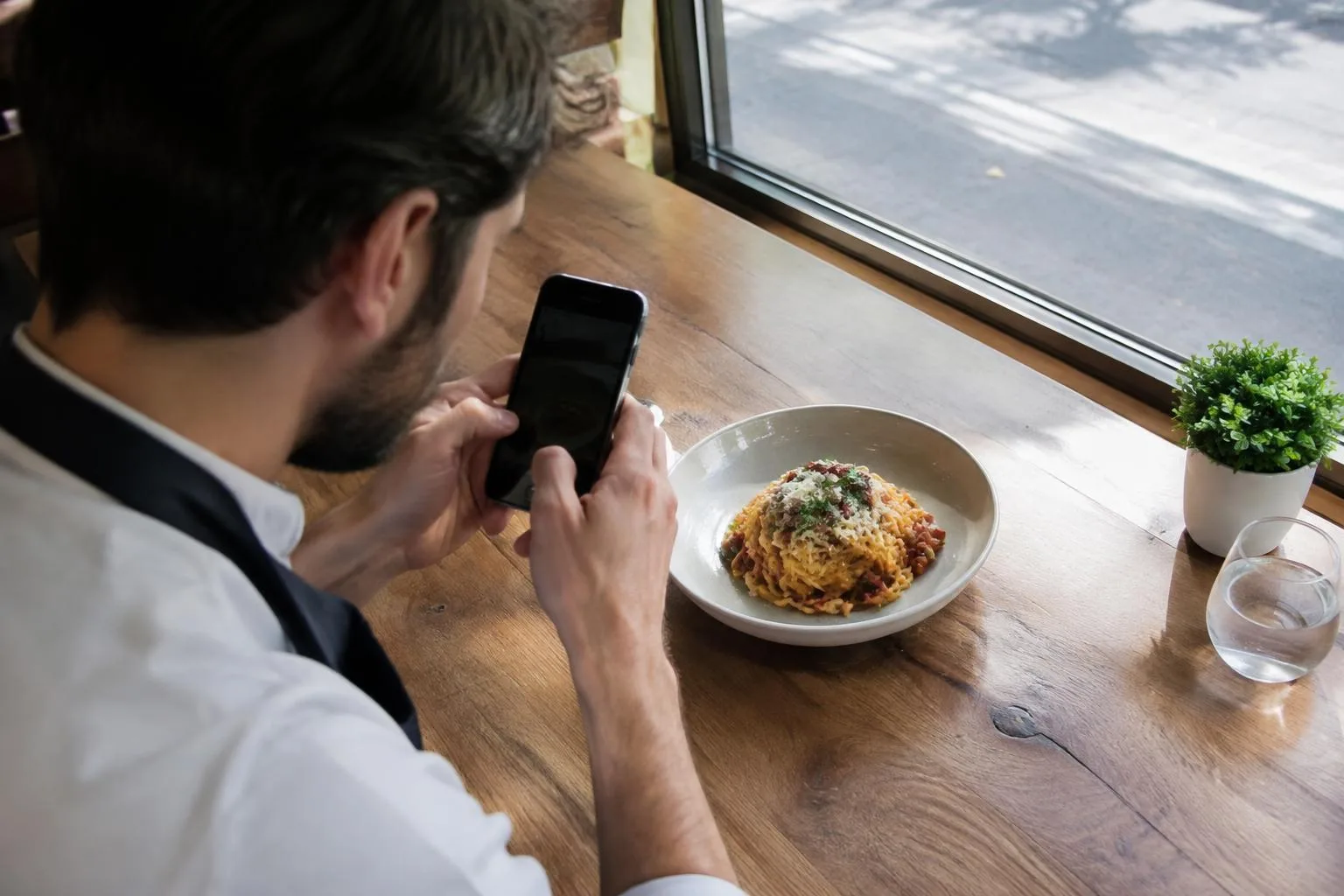
Pick whatever suits your kitchen: enter each dish and its price in the menu editor, link the menu on your own site, or photograph the paper menu from the host stand. Update it whenever you reprint.
Photos add visibility and do a lot of quiet selling. Google suggests adding pictures of your interior, exterior and the overall dining experience, and it says an exterior photo helps customers recognize the place when they arrive. Google’s photo guidelines ask that images be in focus, well lit and free of heavy filters, so they represent reality. Shoot your real dishes in natural light.
Reviews: Ask Fairly and Reply to Every One
Google’s content policy for customer reviews is clear about what is off limits. You may ask guests to share a genuine experience, but you may not offer incentives such as discounts, free desserts or other perks in exchange for a review. You also may not ask only the guests you think are happy while steering unhappy ones away, which is often called review gating. Pressuring guests to post while they are still at the table, or setting review quotas for servers, is also not allowed.
Keep the ask identical for every table, whether the meal went perfectly or the kitchen fell behind during the rush. Then respond to reviews. Google notes that answering reviews shows guests you care what they think, and positive reviews paired with thoughtful replies help a restaurant stand out. Thank the regular who praised brunch, and answer the guest who waited too long with a calm, specific note.
Keep Your Details the Same Everywhere Online
Google does not rely on your Google Business Profile alone. According to its help page on local listings, information is compiled from several sources, including your own website, licensed data from third parties, and facts contributed by users. If your website says you close at 10:00 PM, a delivery app says 9:00 PM and your profile says 11:00 PM, diners get mixed signals and so does Google.
Make a short list of every place your restaurant appears online: your website, reservation and delivery platforms, social pages and local directories. Check that the business name, business address, phone and hours match on each one, and update them all whenever something changes. If you would rather hand that tracking to someone else, look for local SEO help for restaurants that focuses on accurate listings rather than shortcuts.
Use Posts for Specials and Events
Google Posts let you speak directly to people looking at your profile across Maps and Search. Google offers three types: updates for general news, offers for deals with dates and times, and events with start and end dates. Announce the fall prix fixe, a Sunday oyster happy hour or a chef’s counter night, and someone scrolling for dinner ideas has a fresh reason to book.
Keep them fresh. A post does not stay up forever; after about half a year Google tucks it away unless you gave it dates. Google also reviews each post against its content policy, so keep the wording professional, skip the excessive capital letters, and use real photos.
How Google Decides Which Restaurants Show Up
Google explains that local results for any local business are mainly based on three factors. Relevance asks whether your profile fits the search, so a diner typing “late night dumplings” finds you only if your details say so. Distance is simple: a diner three blocks away sees different spots than one across town. Prominence works like word of mouth, built partly from sites that link to you and how many guests leave reviews.
On paid shortcuts, Google’s help page is blunt: “There’s no way to request or pay for a better local ranking.” So the payoff comes from doing the basics well and checking them every season, the same way you would deep clean the walk-in.
Restaurant Owner Questions About Google Maps
What Is the First Step to Add a Restaurant to Google Maps?
Claim or create your Google Maps listing, complete verification, then fill in hours, category, menu and photos before your next service.
Does It Cost Anything for a Café or Bistro to Get Listed on Google?
Being listed on Google costs nothing, only an hour of your time.
Where Do My Dishes and Prices Go on My Profile?
Type it into the menu editor, link your website menu, or upload a photo of the printed version.
Can a Restaurant Buy a Higher Spot in the Map Results?
No budget buys a better spot; Google’s help page rules out paying for local ranking.
Do Guest Reviews Change Where My Dining Room Shows Up?
They can: review count feeds prominence, and Google says more reviews and positive ratings can help. Ask every table for Google reviews, and never trade a free dessert for stars.
Start with one step tonight, such as checking your holiday hours, and build from there.

Recommended For You
How To Cook Oxtails on the Grill

Scott Boswell
Hi Welcome to Stella! Restaurant, I hope you enjoy my articles on the Kitchen Appliances and Cooking Recipes that I use in my Restaurant. My international experience has allowed me to create a style that captures the elegance of French, the simplicity of Italian, combined with Asian flavors and bold Creole accents. My travels and explorations have added important layers to my culinary repertoire.